

All work




VS Code ExtensionOpen VSXDeveloper ToolsProductivity
Dev Starter
An editor extension that scans your workspace for Node.js apps and lets you install and run frontend/backend projects from one button in the title bar. Available for VS Code, and via Open VSX for editors like Kiro and Antigravity.
Role
Creator & Maintainer
Year
2026
Built with
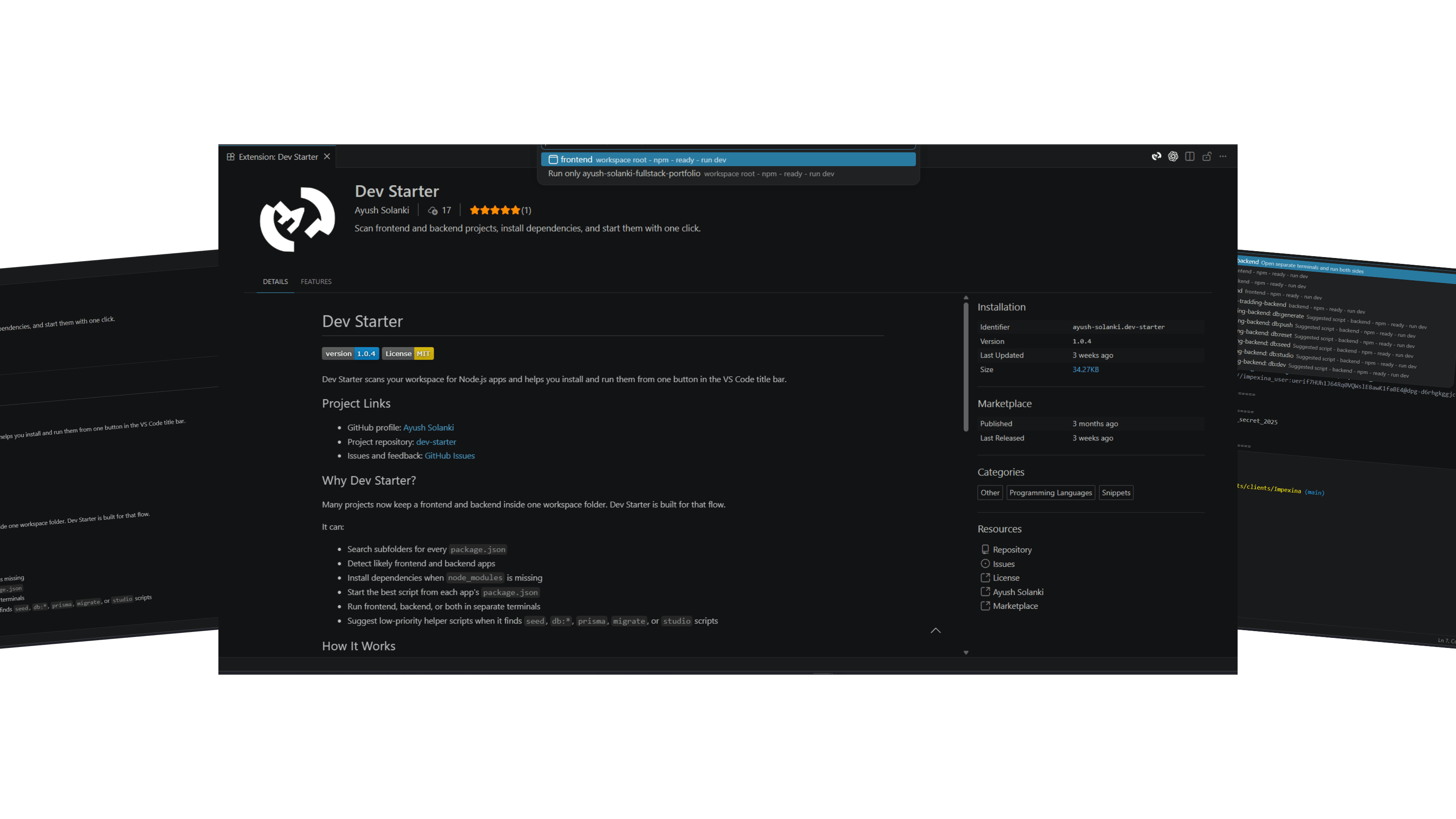
Most projects today keep a frontend and backend in the same workspace folder. Dev Starter is built for exactly that flow.
Core Overview
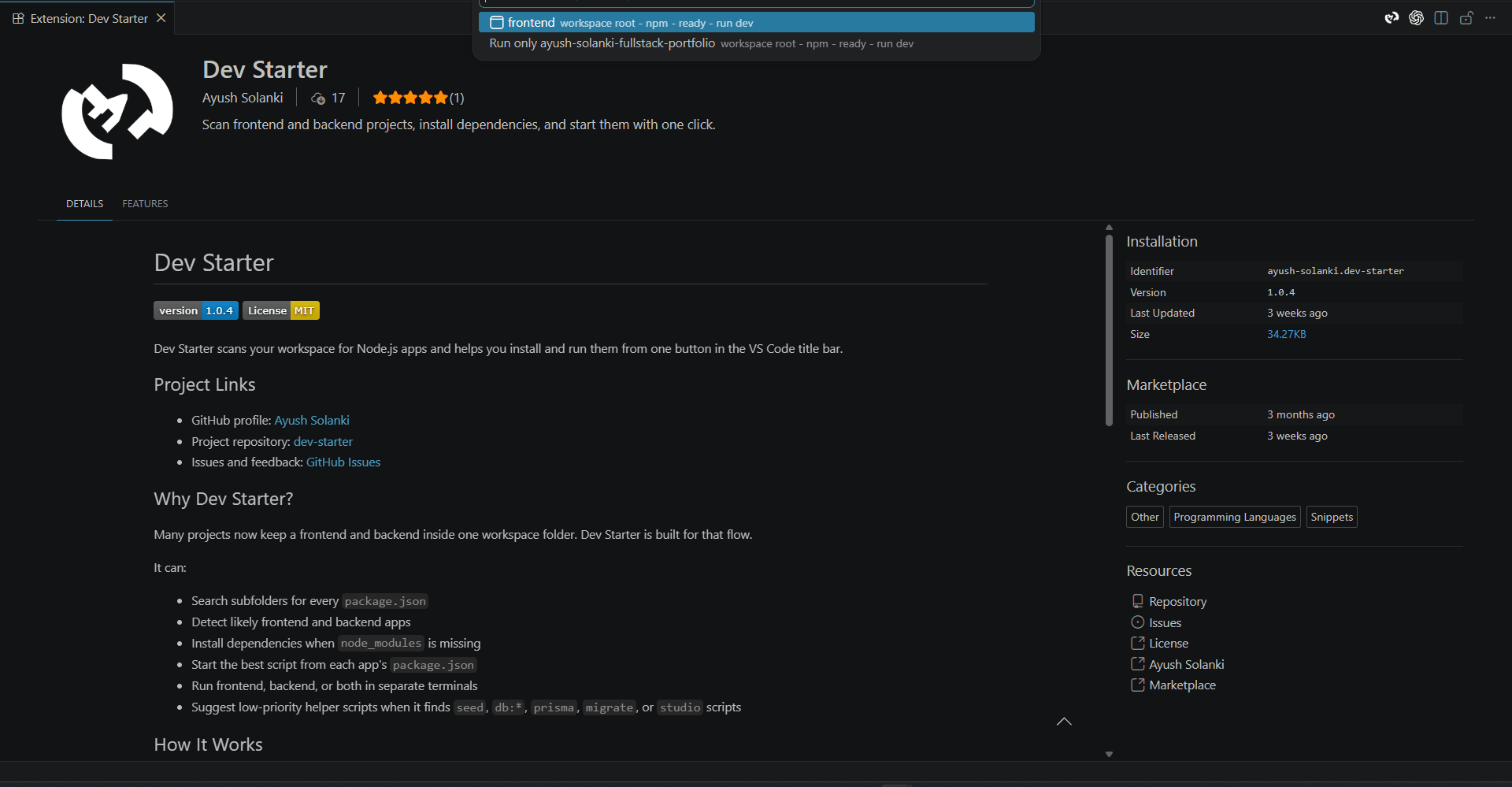
Dev Starter scans a workspace for every package.json, detects likely frontend and backend apps, installs missing dependencies, and starts the right script, all from one button in the editor title bar.
- Searches subfolders for every package.json in the workspace
- Detects frontend frameworks (React, Next.js, Vue, Vite) and backend frameworks (Express, Fastify, NestJS)
- Installs dependencies automatically when node_modules is missing
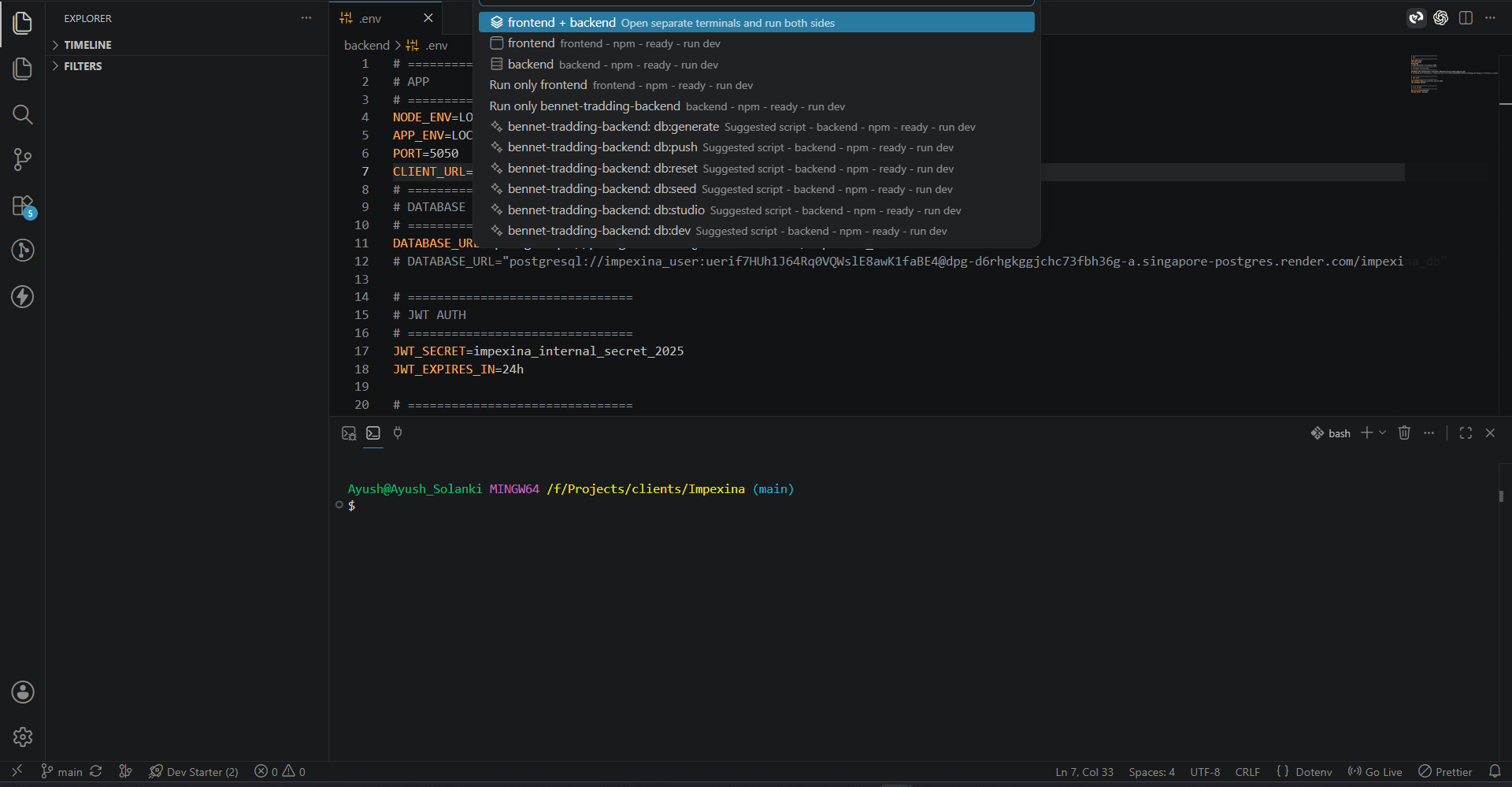
- Runs frontend, backend, or both in separate terminals
- Surfaces helper scripts like db:seed, prisma, and migrate when available
Get It On Your Editor
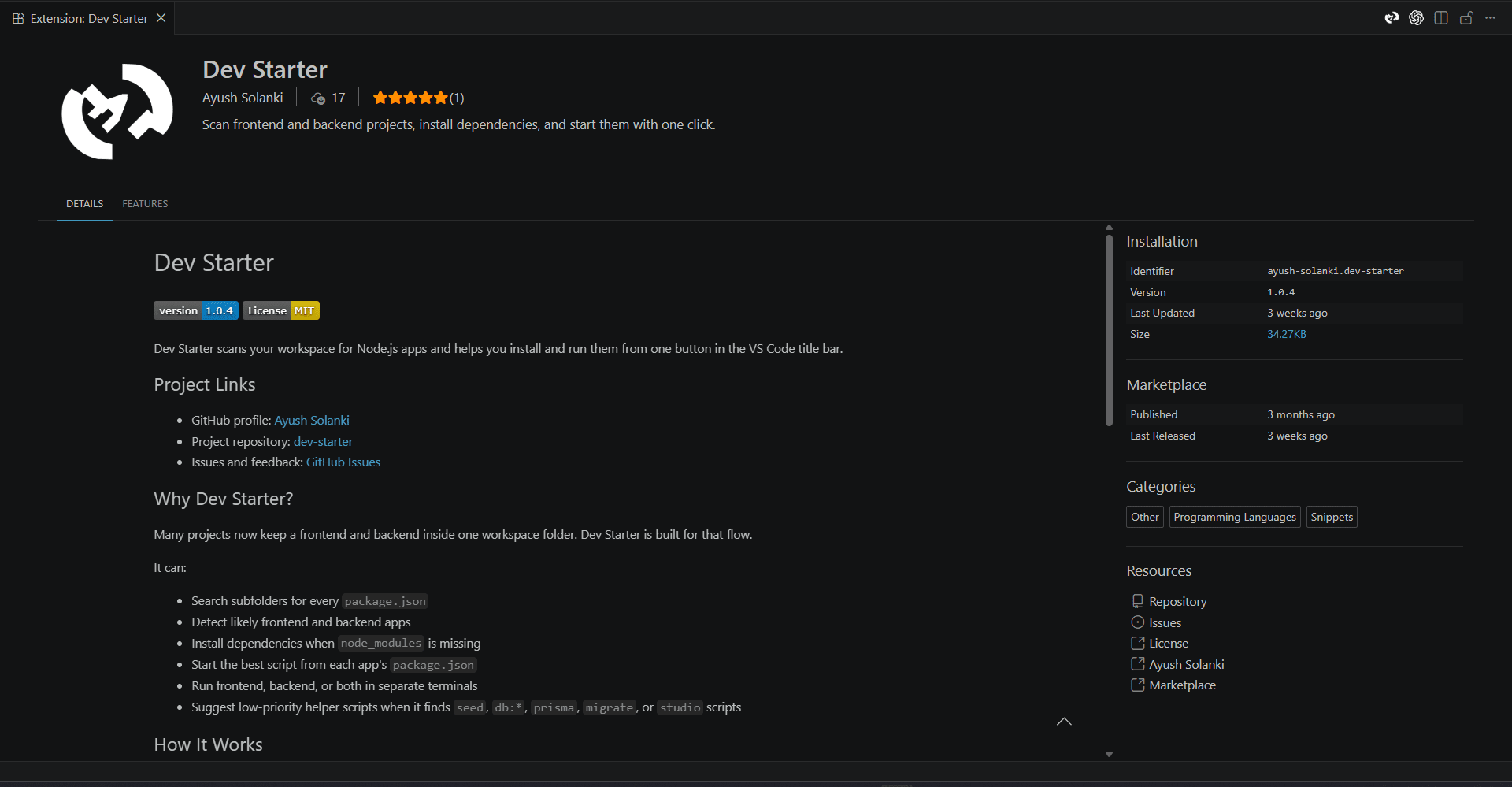
Dev Starter is published on the VS Code Marketplace, and also available on Open VSX for editors that pull from that registry, including Kiro and Antigravity.
- VS Code Marketplace: marketplace.visualstudio.com/items?itemName=Ayush-Solanki.dev-starter